ScreenSteps

ScreenSteps
License:
Trial version
Language:
English
Developer:
OS:
Mac OS X
Updated:
See detailed info

Softonic review

Nick Mead

“Make step-by-step video tutorials”

by Nick Mead about ScreenSteps

They say a picture paints a thousand words and ScreenSteps attempts to make building tutorial videos as easy and logical as possible.

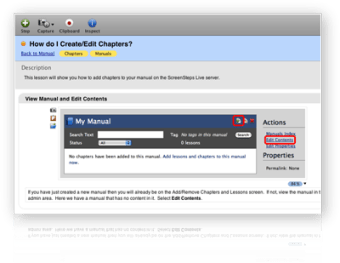
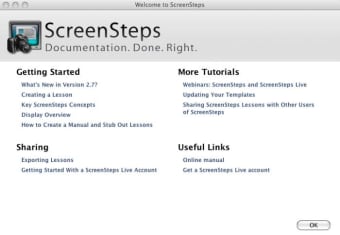
Straight from the start, ScreenSteps guides you through the essential procesures you need to take in order to build your tutorials. ScreenSteps presents you with a main menu, linking to online tutorials that help you get to grips with it. I'd highly recommend taking these first as it can be a rather tricky app to work out on your own.

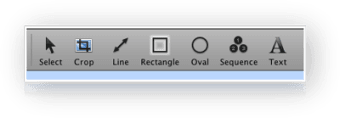
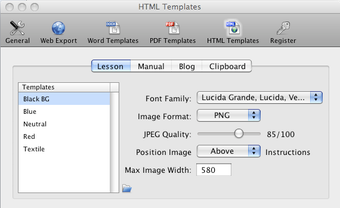
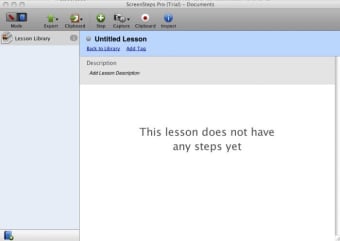
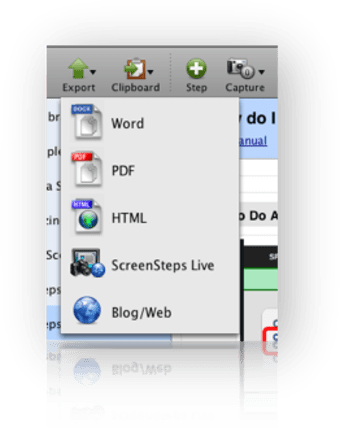
The recording process takes the format of a record, capture and annotate system that allows you to build up a tutorial logically and clearly. The aim, of course, is to keep the words to a minimum since the screen-grabs are supposed to tell the story. Once you've completed it, ScreenSteps lets you export to a wide variety of formats including HTML, XML and PDF. You can even post directly to blogs and wikis such as WordPress, Movable Type, TypePad, MindTouch and Confluence.

The whole process is supposed to take around 5 to 10 minutes, although much depends on the complexity of the tutorial you are building. While it's a fairly simple app, you'd be unwise to use it without taking the tutorials first as grabbing screen shots can be particularly awkward at times.

ScreenSteps is a decent attempt at creating a way of building graphical tutorials that can explain how to do something far better than a lengthy manual.

Pros
  • Builds tutorials clearly and logically
  • Quick to record and annotate
  • Exports to a huge range of formats
Cons
  • Requires taking time to read tutorials first
  • Taking screen shots can be tricky
Download ScreenSteps

Review and rate ScreenSteps

Your avatar

Your opinion is important.
Help other users - be the first to review this program.

Review
  1. Maximum: 75 characters

  2. See example

Pros and Cons
Rate
  1. What rating would you give ScreenSteps?

    You need to fill in all fields

    • Usability:

      Not rated
    • Stability:

      Not rated
    • Installation:

      Not rated
    • Functionality:

      Not rated
    • Appearance:

      Not rated
    • Overall rating:

      Not rated
  2. Don't worry, we won't make your email address public.

You're not allowed to share serial numbers, cracks, etc. or link to pages that contain them. If you do, your user account will be deleted, your IP address logged and legal action will be taken.

Get started - just ask a question!

Write a title for your question.

Alternativesto ScreenSteps

  • In English:
    iMol
    iMol

    Preview molecules on your Mac

    Softonic rating:
    • 9/10
    User rating:
    • 9/10
  • Free:
    iBooks Author
    iBooks Author

    Create stunning multi-touch books for iPad

    Softonic rating:
    • 9/10
    User rating:
    • 9/10
Compare with ScreenSteps
Download rank: General

66 of 69

Softonic rating:
  • Good
  • 7/10
Your rating:
Your rating
  • 0

Review and rate this program

Top Downloads: General

  • United States
  • Global

  1. Your personal science library

Older versions of ScreenSteps

Reviews of ScreenSteps in other languages

ScreenSteps for other platforms